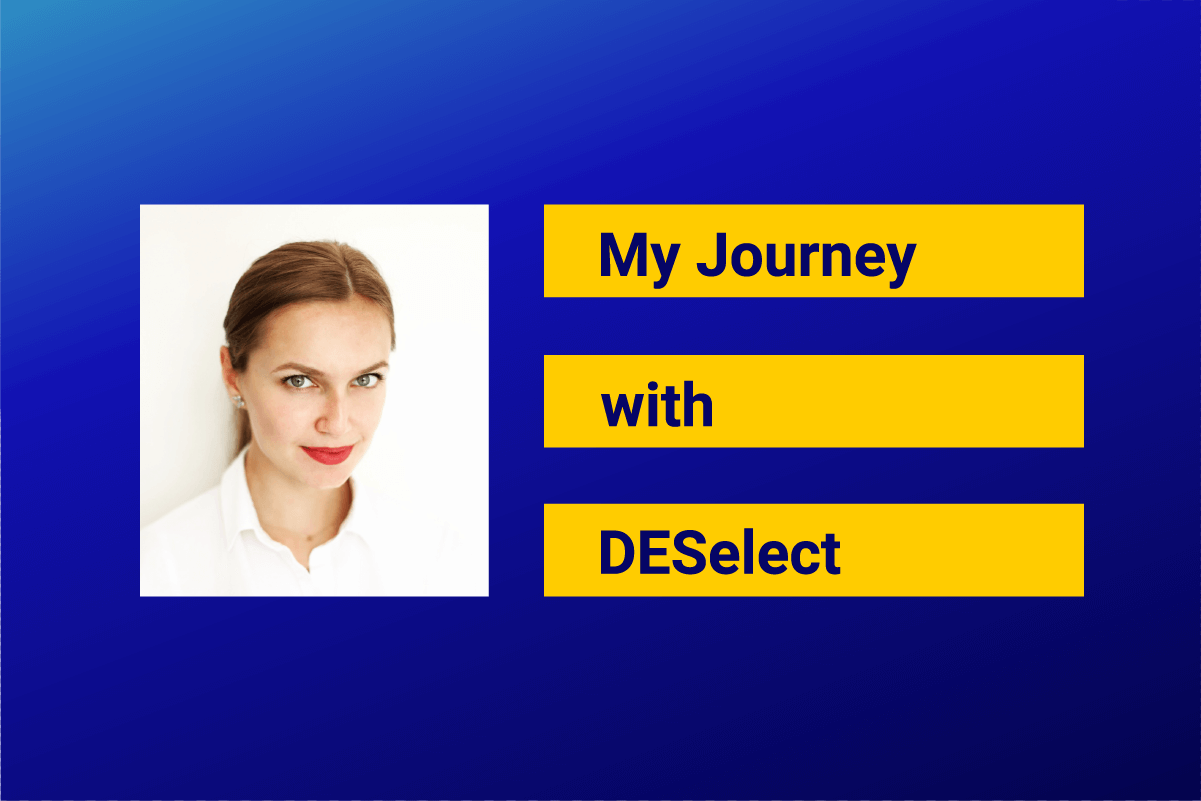

6x Salesforce certified Marketing Cloud Solution Architect and Developer, named Salesforce Marketing Champion 2020 working and delivering in Isobar Switzerland. Ekaterina is recognized as a tech-savvy leader and a real-time optimization expert (Evergage, Thunderhead). Her knowledge and hands-on experience with Salesforce products (SFDC, Pardot, SFMC, Einstein) enables her to support smart digital transformation and improvements of marketing processes for a large number of international companies. She is also a long-time Trailblazer and Salesforce enthusiast who participates in and supports various Ohana events.

Ekaterina Obolenskaya
SFMC Solution & Technical Architect

Latest Articles
-
What Is Salesforce Sales Cloud? (And How It Really Works in 2026)
What Is Salesforce Sales Cloud? (And How It Really Works in 2026) Salesforce Sales Cloud is Salesforce’s flagship CRM platform for managing the entire sales process from tracking leads and contacts through to closing deals and forecasting revenue. At its core, it’s a cloud-based system that brings together Leads, Accounts, Contacts, Opportunities, Activities, and AI-driven […]March 3, 2026WhoId and WhatId in Salesforce: Clear Definitions, Examples and SOQL Usage
WhoId and WhatId in Salesforce: Clear Definitions, Examples and SOQL Usage If you have ever wondered why a Task you created does not appear where you expected it in Salesforce, the answer often comes down to two small fields: WhoId and WhatId. These fields play a crucial role in linking activities to the correct records, […]March 3, 2026Salesforce Backup Solutions: Why They Matter, How They Work, And What To Choose
Salesforce Backup Solutions: Why They Matter, How They Work, And What To Choose Introduction: “Salesforce Already Backs Up My Data… Don’t They?” One of the most common assumptions we hear from businesses using Salesforce is that their data is automatically protected. After all, Salesforce is a massive enterprise platform trusted by millions of organisations worldwide. […]March 3, 2026Salesforce Health Cloud Explained: Managing Patient Data at Scale
Salesforce Health Cloud Explained: Managing Patient Data at Scale Managing patient data across fragmented systems is one of the most persistent challenges facing healthcare providers today. Electronic health records sit in silos. Claims data lives in separate platforms. Patient engagement happens through disconnected channels. The result is a fractured view of the patient that undermines […]January 30, 2026